
Assistive Technology Tools That Make a Difference for Students with Learning Differences
Your child sits down to write an essay, and you can see the frustration building. They have ideas, but getting those thoughts from their brain onto paper feels impossible. Or maybe it's reading comprehension that's the struggle. They can decode the words, but by the end of the paragraph, they've retained almost nothing. Perhaps it's an organization, with assignments written on scraps of paper, due dates forgotten, and materials scattered across three different backpacks.
Here's what's exciting: we live in an era where technology can provide genuine support for these challenges. Assistive technology isn't about giving kids an unfair advantage or letting them take shortcuts. It's about providing tools that allow them to show what they know and learn in ways that work with their brain rather than against it. Let's explore the technology tools that are actually making a difference for students with learning differences.
Understanding Assistive Technology
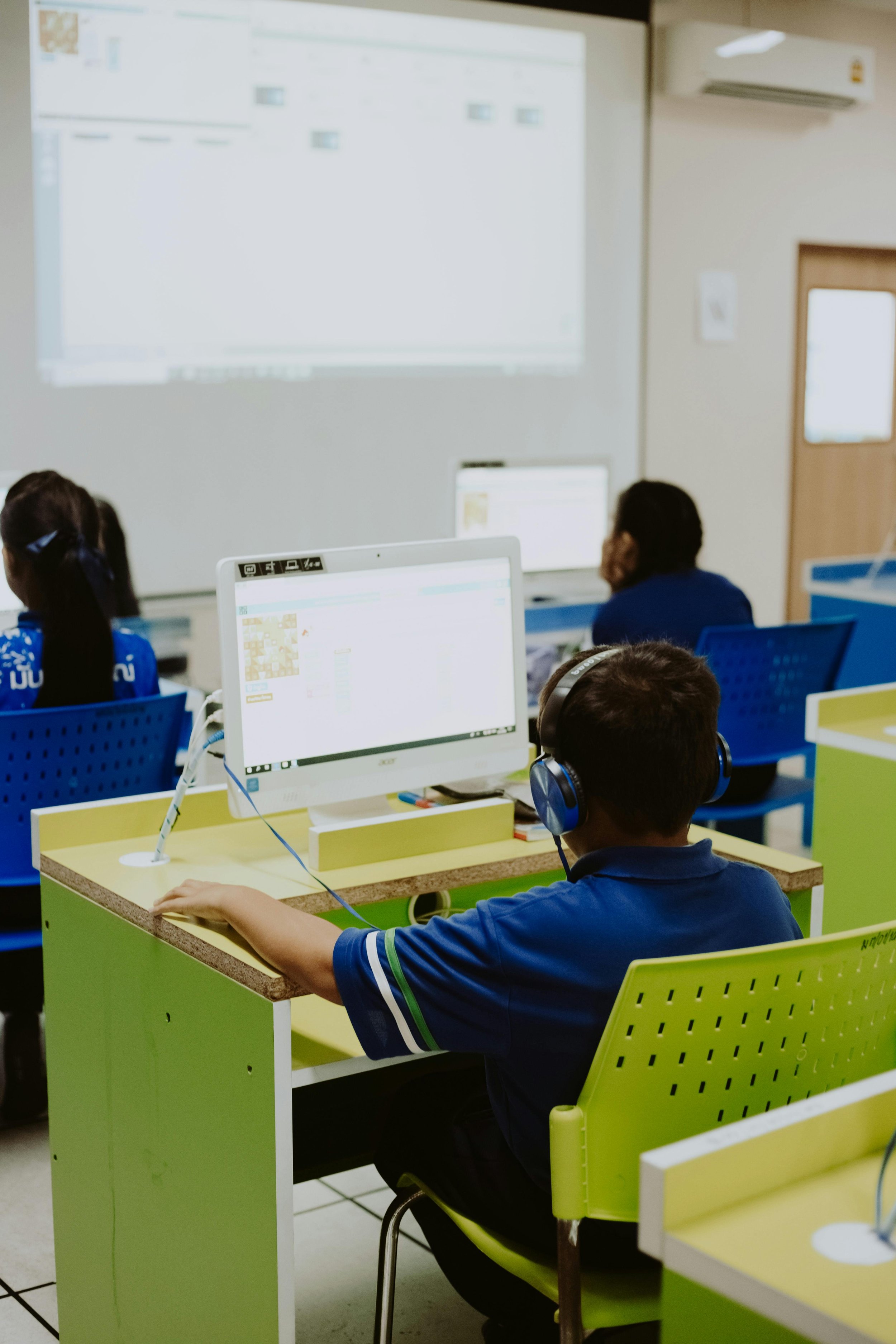
Before we dive into specific tools, let's clarify what we mean by assistive technology. In the educational context, assistive technology is any device, software, or equipment that helps students work around their challenges. This can range from simple tools like pencil grips to sophisticated software that converts speech to text.
The key principle behind effective assistive technology is that it compensates for areas of difficulty while allowing students to use their strengths. A child with dyslexia who has strong comprehension skills but struggles with decoding can use text-to-speech software to access grade-level content. A student with ADHD who has brilliant ideas but can't sit still long enough to write them down can use speech-to-text tools to capture their thoughts.
It's also important to understand that assistive technology isn't one size fits all. What works beautifully for one child might be completely wrong for another, even if they have the same diagnosis. The goal is to match the tool to your child's specific needs. That's why a comprehensive psychoeducational evaluation can be so valuable in identifying exactly what types of support would be most beneficial.
Reading Support Tools
For students who struggle with reading, whether due to dyslexia, processing speed differences, or visual processing challenges, technology can be genuinely transformative.
Text-to-Speech
Text-to-speech software is often the most impactful tool for reading support. Programs like Natural Reader, Read&Write, or the built-in accessibility features on most devices can read digital text aloud. This allows students to access grade-level content even when their decoding skills aren't yet at grade level. The key is that it's not eliminating reading practice but rather allowing students to learn content and build vocabulary while their reading skills continue to develop through targeted intervention.
Audiobooks
Audiobooks and digital reading platforms like Learning Ally and Bookshare provide access to thousands of titles in audio format. These aren't the same as recreational listening to audiobooks. They're specifically designed for students with print disabilities and often include features like synchronized highlighting so students can follow along with the text while listening.
Reading Comprehension Tools
Reading comprehension tools like Rewordify or Newsela adjust the complexity of text to match a student's reading level while maintaining the content. This is particularly helpful for students who understand complex ideas but get lost in complex sentence structures.
Font and Display Modification
Font and display modifications can make a surprising difference. Some students read better with certain fonts (like OpenDyslexic), increased line spacing, or specific color contrasts. Most e-readers and many reading apps allow these customizations. Our literacy support services include helping families identify which modifications are most helpful for their specific child.
Writing Support Tools
Writing is often one of the most challenging academic tasks for students with learning differences. The physical act of writing, the organization of ideas, the spelling and grammar, and the sustained attention required all create potential obstacles. Technology can address many of these challenges.
Speech-to-text software allows students to speak their ideas rather than write them. Tools like Dragon NaturallySpeaking, Google Voice Typing, or the built-in dictation features on Apple devices can be incredibly freeing for students who have strong verbal skills but struggle with written expression. The key is teaching students how to use these tools effectively, including how to edit and refine their dictated text.
Word prediction software like Co:Writer or the predictive text features built into most word processors can help students who struggle with spelling or word retrieval. The software predicts what word the student is trying to type after just a few letters, reducing the cognitive load of spelling and allowing them to focus on content.
Grammar and spell check tools have become increasingly sophisticated. Tools like Grammarly or the ProWritingAid go beyond basic spell check to provide context-aware suggestions for grammar, word choice, and sentence structure. These aren't doing the writing for students but rather teaching them as they write.
Graphic organizers and mind mapping software like Inspiration, MindMeister, or Coggle help students organize their thoughts before writing. For students who struggle with executive function, having a visual representation of their ideas and how they connect can make the difference between staring at a blank page and producing coherent writing.
Organization and Executive Function Support
Perhaps nowhere is technology more helpful than in supporting executive function skills like organization, time management, and task initiation. These are areas where many students with learning differences struggle significantly.
Digital calendars and planning tools provide external structure for students whose internal sense of time and organization is unreliable. Tools like Google Calendar, with its ability to set reminders and share calendars with parents, can be life-changing. The key is teaching students to actually use these tools consistently, which is where our executive function coaching comes in.
Task management apps help break down large assignments into manageable steps. Apps like Todoist, Things, or Microsoft To Do allow students to create task lists, set deadlines, and check off completed items. The satisfaction of checking off a task provides motivation and positive feedback that many students with executive function challenges desperately need.
Time management and focus tools address the challenge of estimating and managing time. Apps like Forest or Focus@Will use different approaches to help students stay on task. Time Timer apps provide visual representations of time passing, which can be incredibly helpful for students who struggle with time blindness.
Note-taking apps like Notability or OneNote allow students to organize their notes by subject, search their notes easily, and even record audio while taking notes. For students who struggle to write quickly enough to capture information or who have working memory challenges, being able to review audio of a lesson later can be invaluable.
Math Support Tools
Math presents its own unique challenges, and technology has developed some specialized tools to address them.
Calculators and calculation software are the most obvious math tools, but there are more sophisticated options now. Graphing calculators, apps like Desmos, and computer algebra systems can help students visualize mathematical concepts and work through complex calculations.
Math notation tools like MathType or the equation editors in Google Docs and Microsoft Word help students who struggle with writing mathematical notation by hand. Being able to type equations and have them display correctly reduces frustration and allows students to focus on mathematical thinking rather than the mechanics of notation.
Visual math tools like virtual manipulatives provide concrete representations of abstract mathematical concepts. Websites like the National Library of Virtual Manipulatives offer tools for everything from basic counting to algebra to geometry.
Communication and Collaboration Tools
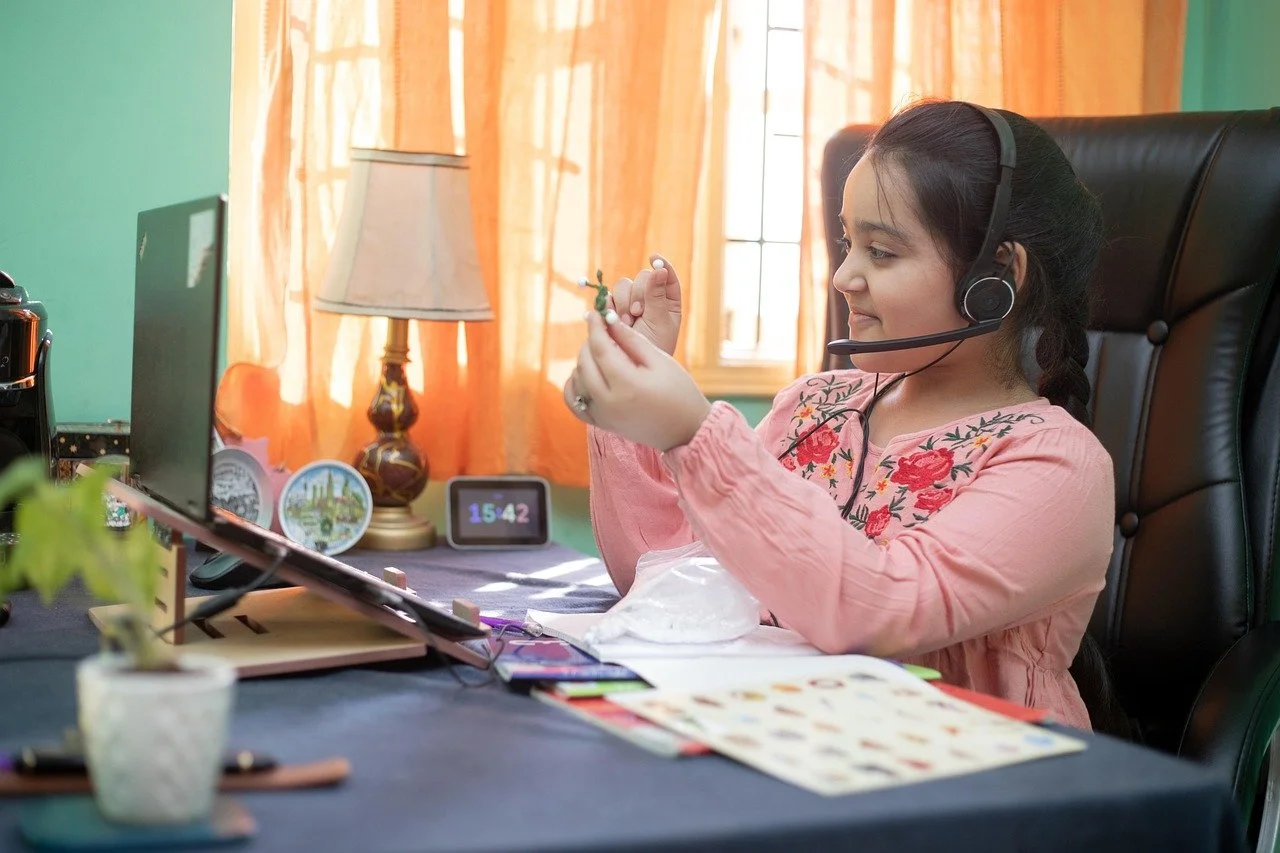
Many students with learning differences benefit from tools that facilitate communication with teachers and collaboration with peers.
Learning management systems like Google Classroom, Canvas, or Schoology centralize assignments, resources, and communication. For students who struggle with organization, having everything in one place rather than scattered across papers and notebooks is tremendously helpful.
Video communication tools have become standard, but they're particularly valuable for students who benefit from being able to re-watch explanations or who participate more actively in a virtual environment than in a busy classroom.
Collaborative document editing allows students to work together on projects in ways that play to their strengths. A student who struggles with writing might contribute more effectively through brainstorming and verbal feedback on a shared document.
Supporting Executive Function Through Technology
Technology tools specifically designed to support executive function can make daily life significantly easier for students with ADHD and other executive function challenges.
1. Visual Schedules and Timers
Apps that provide visual schedules help students see what's coming next and prepare for transitions.
2. Reminder Systems
Automated reminders for everything from taking medication to starting homework reduce the burden on working memory.
3. Habit Tracking
Apps that track habits and routines help students build consistency while providing visual feedback on their progress.
4. Breaking Down Tasks
Tools that help students break large projects into smaller, manageable steps address the common challenge of not knowing where to start.
These executive function tools work best when introduced gradually and with support, which is why working with a coach who understands both the technology and the learning profile can be so valuable.
Getting Started with Assistive Technology
If you're feeling overwhelmed by all these options, that's completely understandable. The assistive technology landscape can be confusing, and not every tool will work for every child.
Start by identifying your child's primary areas of challenge. Is it reading? Writing? Organization? Focus your exploration on tools that address those specific needs rather than trying to implement everything at once.
Many tools offer free trials or free versions with limited features. Take advantage of these to experiment before committing to purchases. Involve your child in the testing process. Their input about what feels helpful versus what feels like more work is crucial.
Check with your child's school about what assistive technology they already have access to. Many schools have site licenses for various tools, and teachers may have experience with specific programs that work well with their curriculum.
Consider asking for assistive technology recommendations or trials as part of your child's IEP or 504 plan. Our IEP consulting services can help you understand how to include assistive technology in your child's educational plan.
Remember that technology is a tool, not a solution by itself. The most sophisticated software in the world won't help if your child doesn't know how to use it effectively or if the underlying learning challenges aren't being addressed through appropriate instruction and intervention.
Making Technology Work for Your Child
Assistive technology has tremendous potential to level the playing field for students with learning differences, but only when it's thoughtfully matched to the student's needs and implemented with appropriate support. The goal is always to help your child access learning and demonstrate their knowledge in ways that work for their unique brain.
If you're struggling to figure out which technology tools might help your child, or if you've tried various tools without success, we can help. Our comprehensive evaluations identify specific areas where assistive technology could make a difference, and our ongoing support services help families implement and adjust technology use for maximum benefit. The right tools can transform your child's academic experience, and we're here to help you find them.
Every learning difference is an opportunity to discover new strengths. We’re here to support your family in celebrating what makes your child uniquely amazing. Contact us today to learn more or get started!
